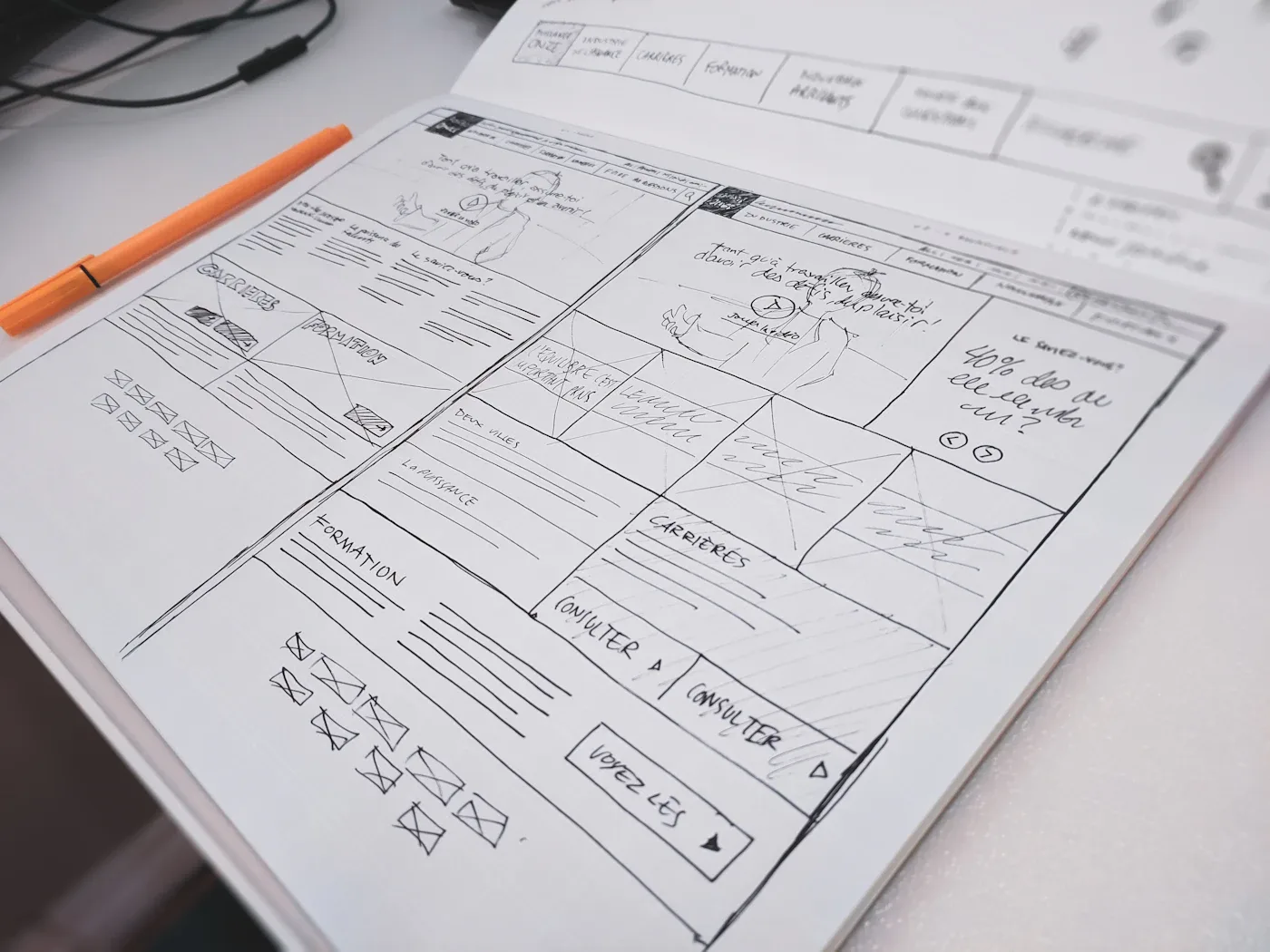
A web design onboarding questionnaire should establish the site’s purpose, audience, scope, content responsibilities, functional needs, decision maker, and constraints. Keep it short enough to complete, then use a kickoff conversation to resolve gaps rather than treating every written answer as final.
The template below is for a scoped website engagement. It helps you discover requirements; it does not replace a signed agreement or authorize new features. Download the free web design questionnaire.
Start with the project’s purpose
Ask these questions first because they influence nearly every later decision:
- What does your business offer, and who is the site primarily for?
- What is the main action you want a visitor to take?
- What is not working about the current website or process?
- What would make this project useful to your team?
- Are there important audiences, services, or locations outside this phase?
Encourage concrete answers. “More leads” can become “more qualified inquiries for commercial work in our service area.” Avoid promising a result the website alone cannot guarantee.
Free onboarding questionnaire
Business and audience
- Business name and approved public contact details:
- Primary audience and its main questions:
- Main offer and geographic coverage:
- Differentiators you can substantiate:
- Existing website and relevant reference sites:
Pages and content
- Pages included in this phase:
- Who drafts copy for each page?
- Who approves the wording?
- What copy already exists, and where?
- Which testimonials, case studies, or client logos have publication permission?
- Which content still needs to be created?
Brand and imagery
- Current logo and brand-guideline links:
- Font names and licensing details:
- Approved image folder or download links:
- Image sources, permissions, and intended use:
- Brand elements that must stay:
- Brand changes requested in this project:
Functionality
- Required forms and who receives responses:
- Booking, payment, store, or newsletter requirements:
- Existing services to integrate:
- Languages and accessibility requirements to discuss:
- Content that the client needs to update after handover:
- Features that can wait until a later phase:
People and approvals
- Day-to-day contact:
- Final scope and budget approver:
- Final content and design approver:
- Other stakeholders who must review:
- Feedback collection process:
- Backup contact during absences:
Schedule and constraints
- Desired launch date and business reason:
- Any immovable event or dependency:
- Dates the team is unavailable:
- Content delivery dates:
- Budget or scope constraints already agreed:
- Risks or open questions:
Access and handover
- Domain, hosting, and platform owners:
- Who can send secure account invitations?
- Existing analytics or search-account owner:
- Migration or redirect requirements:
- Training and ongoing support needs:
- Who will own the site after delivery?
Do not collect passwords, recovery codes, identity documents, or API keys in this questionnaire. Arrange appropriate access through provider invitations or an approved secure process.
How to send it without overwhelming the client
Please complete the sections you can before [date]. If an answer is unknown, mark it “to discuss” rather than guessing. We’ll use the kickoff call to confirm the important decisions and assign owners to the missing content.
Give a realistic completion window. Tell the client which sections are essential for the first meeting and which can follow. If the project is small, remove irrelevant store, migration, and integration questions.
Review the answers before kickoff
Look for contradictions: a fixed launch date but no copywriter, several approvers but no decision owner, or an assumed integration outside the quoted scope. Turn each into a question with a practical consequence.
For example: “You have listed online payments. The current scope is a brochure site. Do you need payment at launch, or should we plan it separately?” That is more useful than discovering the requirement halfway through design.
Convert answers into three working records
First, update the project brief with the agreed goals and audience. Second, use the website content checklist to assign assets and copy to people and dates. Third, confirm the deliverables and exclusions in the statement of work.
Keep an “open questions” section for unresolved matters. A form response is evidence of what someone said, not proof that every stakeholder has approved it.
Avoid asking questions you will not use
If you will not act on a response, consider removing the question. Long questionnaires often mix sales qualification, brand strategy, technical access, and content collection without explaining why.
Ask enough to make the next decisions well. If content remains the main uncertainty, read why website projects stall and address the missing owner, input, or approval directly.
If you want clients to answer the brief and share file links in one place, Gather is designed around that collection workflow.